Helpful Guide on How to Increase WordPress Security
Let’s read the full article that teaches you how to increase your WordPress website security and save your website from unwanted malware and security threats.





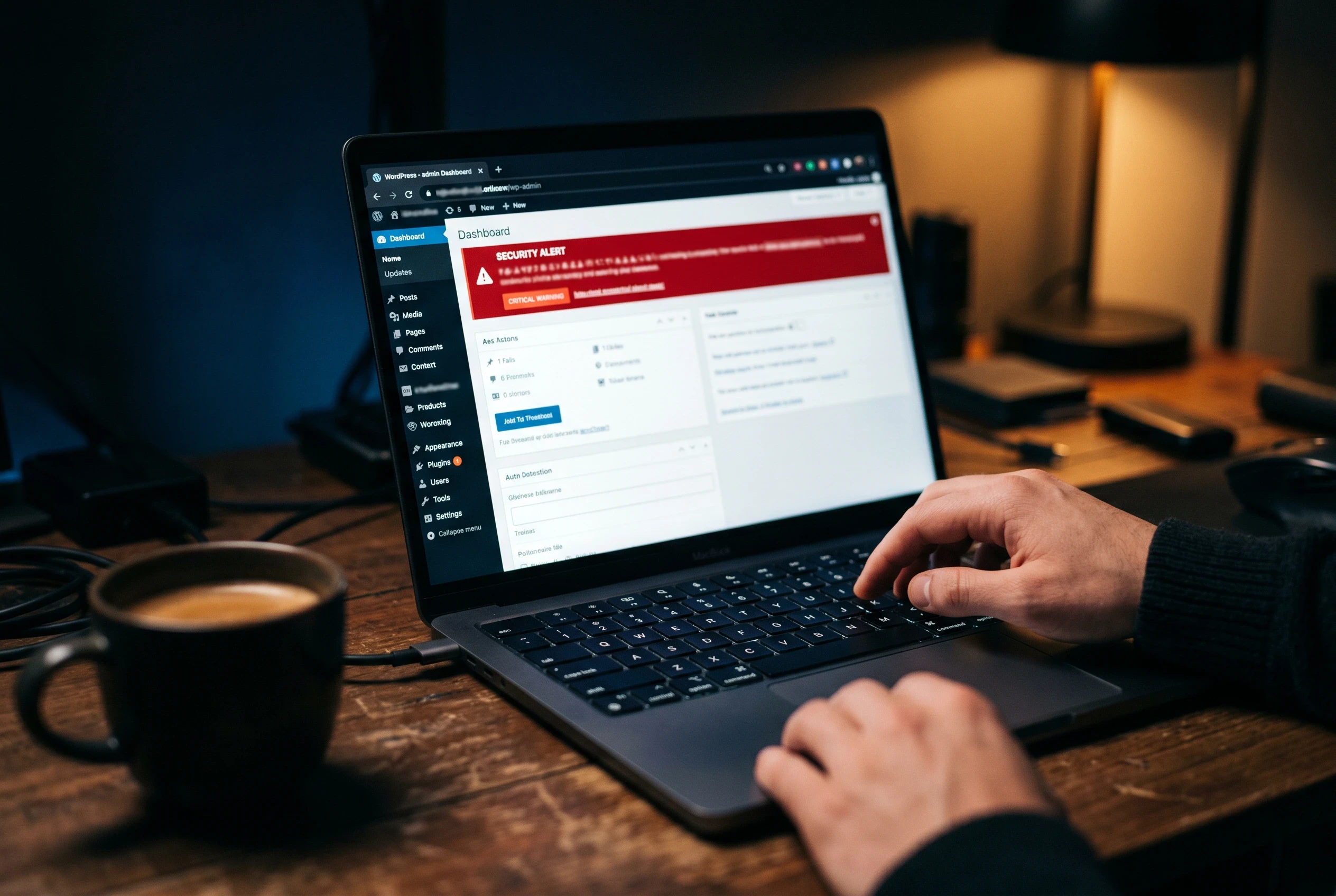
When we start building a new site, we do not always know about the security and other factors that need to be understood. In the current world, the security of your website is one of the most important factors.
If you want to grow your business organically, you need to first focus on the security of your website.
As a website owner, you may have one question in your mind: how to make my WordPress website secure?
To make a secure WordPress website, you need a good security plugin that can scan malware, protect the website from bot login attempts, and provide live monitoring of security threats.
What is importance of WordPress security?

The importance of security usually becomes clear after a website is attacked. Many website owners face hacked websites, malware-attacked websites, and other security problems.
When we check such websites, many of them do not use security plugins, login authentication, malware protection, or backups.
Security and daily backups are mandatory when you start any kind of website, from a business website to an e-commerce store.
If you are still confused and ask whether WordPress has security issues, the answer is yes. If you own a WordPress website and use outdated plugins, infected themes, or unsafe files, your website can be affected by malware or attacks.
Major attacks can affect the entire website and harm your business.
Sometimes viruses can delete important website files and prevent access to the WordPress admin area.
If you want to understand WordPress security issues in detail, let’s look at some common problems.
What are WordPress security issues?
WordPress Security Vulnerabilities
WordPress security vulnerability is a security problem that can occur because of:
Weak Passwords
Malware
Cross-Site Scripting (XSS)
Outdated Software, Plugins, and Themes
Distributed Denial-of-Service (DDoS) Attacks
Structured Query Language (SQL) Injections
Search Engine Optimization (SEO) Spam
HTTP Instead of HTTPS
Phishing
Low-Quality Hosting
Htaccess WordPress Security
Many times we hear that hackers attack the .htaccess file. They change the data of this file and redirect website files to other sites.
Before securing the .htaccess file, you need to understand what type of data or code is included in the file and why you need to secure it.
The .htaccess file is mainly placed in the “wp-content/uploads” folder.
Basically, the .htaccess file is a configuration file used on web servers running Apache web server software. It stands for “hypertext access,” and it allows webmasters to configure various settings for their websites on a per-directory basis.
Follow these WordPress .htaccess security settings to help secure your site:
Make file permissions admin-only to prevent others from writing to this file.
Disable directory listing.
Add an additional security level by restricting IPs with the code below.
Regularly back up your WordPress files.
Create strong WordPress admin passwords.
Latest WordPress security issues
There are many latest WordPress update problems, but one of the major WordPress security issues is called a DDoS attack.
A DDoS attack is very harmful to websites. Many bloggers face this type of attack and look for DDoS attack protection for WordPress.
It can harm online ranking with many irrelevant threats and redirections.
A DDoS attack, called Distributed Denial of Service, manipulates major website traffic and prevents users from accessing actual website data.
Types of DDoS attacks include:
Botnet
Attack on Traffic
Server Overload
Denial of Service
Day by day, as websites increase on online platforms, WordPress security threats and attacks also increase. Making your site more secure is very important today.
Common WordPress security issues include:
Outdated Software, Weak passwords, insecure plugins and themes, Inadequate Hosting Security, Insufficient User Permissions, Cross-Site Scripting (XSS), SQL Injection, Brute-Force Attacks, File Inclusion Exploits, XML-RPC Exploits, Unprotected Uploads Directory, and Lack of SSL Encryption.
How to increase WordPress login page security
In our company, we set up login security for different types of websites, from service websites to e-commerce websites.
After setting WordPress security fixes, we monitor websites and often find spammy attacks and login attacks.
So, the big question is: what is a WordPress login security solution?
By using bots, many attackers try to break your security and make your login security weaker.
Here are ten simple steps to secure login attempts and protect your website:
Use a Strong Username and Password
Limit Login Attempts
Two-Factor Authentication
Change Login Page URL
Use SSL Encryption
Disable XML-RPC if Not Used
Protect wp-admin Directory
Update WordPress and Plugins
Implement Security Plugins
Secure Hosting
You can also set Google reCAPTCHA to secure your website from spamming.
Best WordPress security checklist for Secure your Website
Keep Software Updated: Regularly update WordPress core, themes, and plugins.
Use Strong Login Credentials: Use unique and strong usernames and passwords. Implement Two-Factor Authentication (2FA).
Secure Hosting: Choose a reputable hosting provider with strong security measures.
Limit Login Attempts: Limit the number of login attempts to prevent brute force attacks.
Change Default Login URL: Change the default login URL to make it harder for attackers to find.
Protect wp-config.php: Move wp-config.php above the web root and set proper file permissions.
Secure .htaccess File: Protect the .htaccess file and disable directory listing.
Use Security Plugins: Install reputable WordPress security plugins and configure settings.
File Permissions: Set appropriate file permissions: 644 for files and 755 for directories.
Monitor User Activity: Review user accounts, monitor user activity, and check audit logs.
Disable XML-RPC Pingbacks: Disable XML-RPC pingbacks to prevent DDoS attacks.
Database Security: Change the default database table prefix, optimize, and clean up the database.
Regular Security Audits: Conduct regular security audits and perform vulnerability scans.
Stay Informed: Stay updated on WordPress security news and best practices.
Google reCAPTCHA: Google reCAPTCHA helps secure your website from spamming.
How to Online WordPress Security Scan
When a website is affected by malware or any type of security threat, the website needs to be scanned properly.
Many sites help you scan your website for malware and check whether your website is affected by malware or not.
Here are some sites that help scan malware and threats from websites and secure your website from security breaches:
WP Sec
HackerTarget
Sucuri SiteCheck
IsItWP Security Scanner
WPScan
All these sites are useful and help scan websites to find threats, security leaks, and other issues. Using a scanner tool can help you save your website.
The latest security fix by WordPress
WordPress is a large and active organization for managing websites using its CMS system.
Day by day, WordPress attracts many small businesses with advanced features and an easy-to-understand environment.
WordPress developer teams continue improving WordPress security and helping WordPress site owners protect their websites from malware attackers and hackers.
In the latest WordPress security issues updates, in version 6.3.2, the following issues were fixed:
Arbitrary shortcode execution vulnerability in WordPress core.
Potential disclosure of user email addresses by unauthenticated hackers using the WordPress REST API.
Remote code execution POP Chains vulnerability in the WordPress REST API.
Cross-site scripting (XSS) vulnerability in the post-link navigation block.
Leaked comment visibility on private posts.
WordPress organizations work strictly on security updates and make the CMS more vulnerability-free.
More blogs.
Browse everything we’ve written — from quick tips to deep dives on design, dev, and digital work.